🤖 AI Content Creator Pro
Wishlist Share

About Course

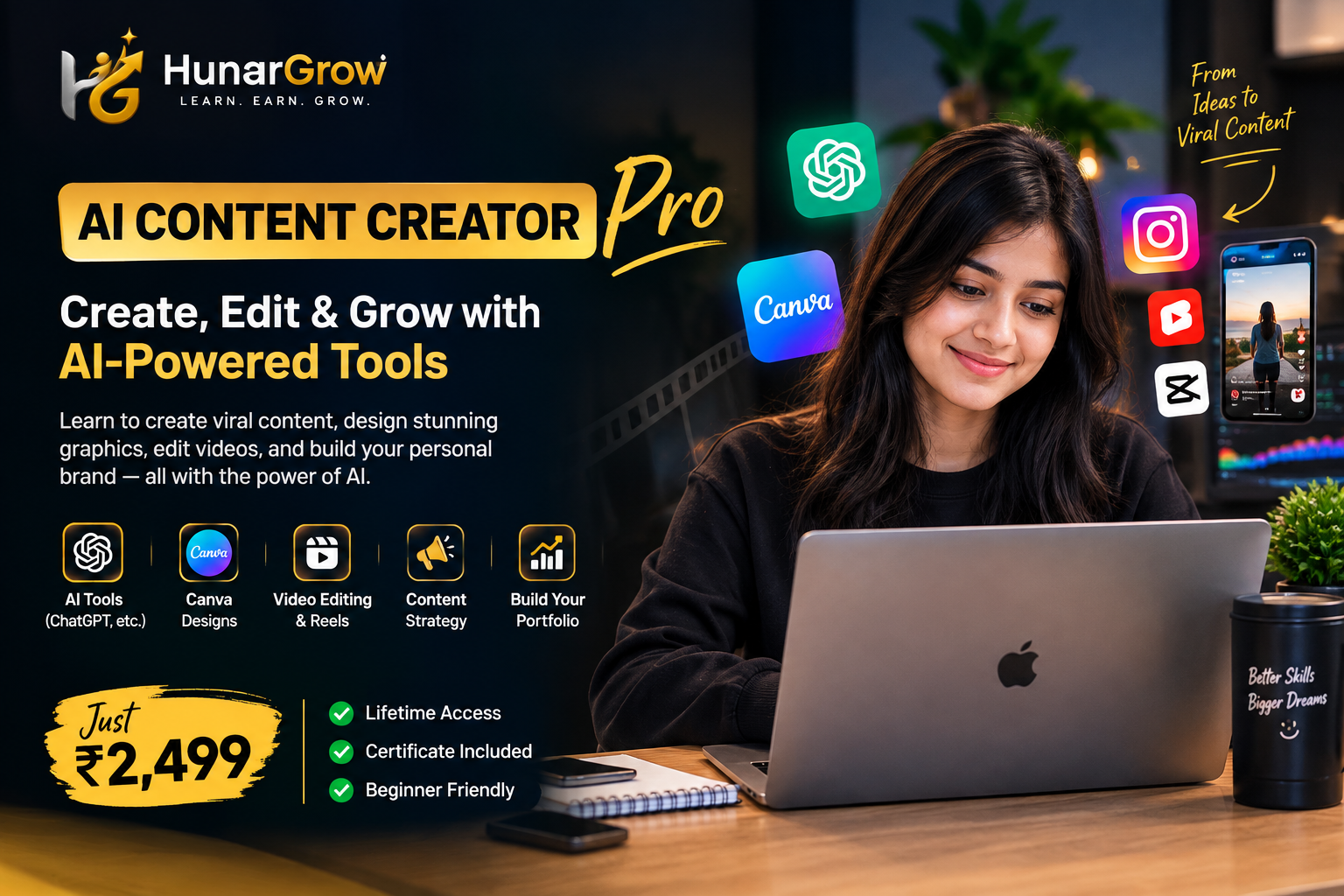
AI Content Creator Pro is a practical, beginner-friendly course designed to help you build real-world content creation skills using today’s most useful AI and digital tools.

You’ll learn how to use ChatGPT/Gemini, Canva and CapCut to create engaging Reels, social media creatives, captions, carousels, stories and other professional content.

Instead of focusing only on theory, the course takes you through a practical Learn → Practice → Build approach so you can create actual work and start building your portfolio.

What You’ll Learn

  • 🤖 AI Tools & Prompting — ChatGPT, Gemini & practical AI workflows
  • 🎨 Canva — Create professional, client-ready designs
  • 🎬 Reels & Video Editing — Create engaging short-form videos
  • ✍️ Copywriting & Captions — Write better social media content with AI
  • 📱 Social Media Content — Understand what to create and how to structure it
  • 📅 Content Calendar — Plan and organize consistent content
  • 💼 Basic Portfolio — Turn your work into a presentable portfolio
  • 🚀 Freelancing Basics — Understand how to start offering your skills
Show More

What Will You Learn?

  • AI & Digital Content Foundations, Canva & Social Media Design ,Reels, Video Editing & Content Strategy, Portfolio, Freelancing & Getting Started

Course Content

MODULE 1 — AI & Digital Content Foundations
Build a strong foundation in AI-powered content creation. Learn how to use tools like ChatGPT and Gemini for content ideas, research, writing, prompts, and creating an efficient content workflow. Topics Covered Introduction to Digital Content Creation Understanding AI in Content Creation ChatGPT & Gemini Basics AI Prompting Fundamentals Content Ideas & Topic Research AI-Assisted Content Writing Hooks, Captions & Content Concepts Building an AI Content Workflow

Module 2 — Canva & Professional Social Media Design
Learn how to use Canva to create professional and engaging social media designs. This module focuses on practical design skills that can be applied to real-world content creation. Topics Covered Canva Interface & Essential Tools Basic Design Principles Typography & Font Selection Colors & Brand Consistency Instagram Posts & Stories Social Media Banners Carousel Designs Thumbnails AI-Assisted Canva Workflows Creating Client-Ready Designs

Module 3 — Reels, Video Editing & Content Strategy
Learn how to create engaging short-form videos and Reels using practical video editing techniques. Students will understand how to plan, script, edit, and structure content for social media. Topics Covered Understanding Short-Form Content Reel Ideas & Content Planning AI-Assisted Reel Scripts CapCut Basics Video Cutting & Editing Text, Captions & Subtitles Transitions & Effects Music & Audio Hooks & Retention Basics Creating Professional Reels Content Calendar Basics

Module 4 — Portfolio, Freelancing & Getting Started
Module Summary Turn your newly developed skills into a professional portfolio and prepare for real-world opportunities. Learn the fundamentals of freelancing, client communication, service selection, pricing, proposals, and outreach. Topics Covered Understanding Freelancing Choosing Your Content Creation Services Creating a Basic Portfolio Building a Sample Client Project Presenting Your Work Professionally Finding Potential Clients Basic Client Communication Understanding Pricing Basics Proposal & Outreach Fundamentals Building Your Freelancing Profile Getting Started with Client Work

Student Ratings & Reviews

No Review Yet
No Review Yet